
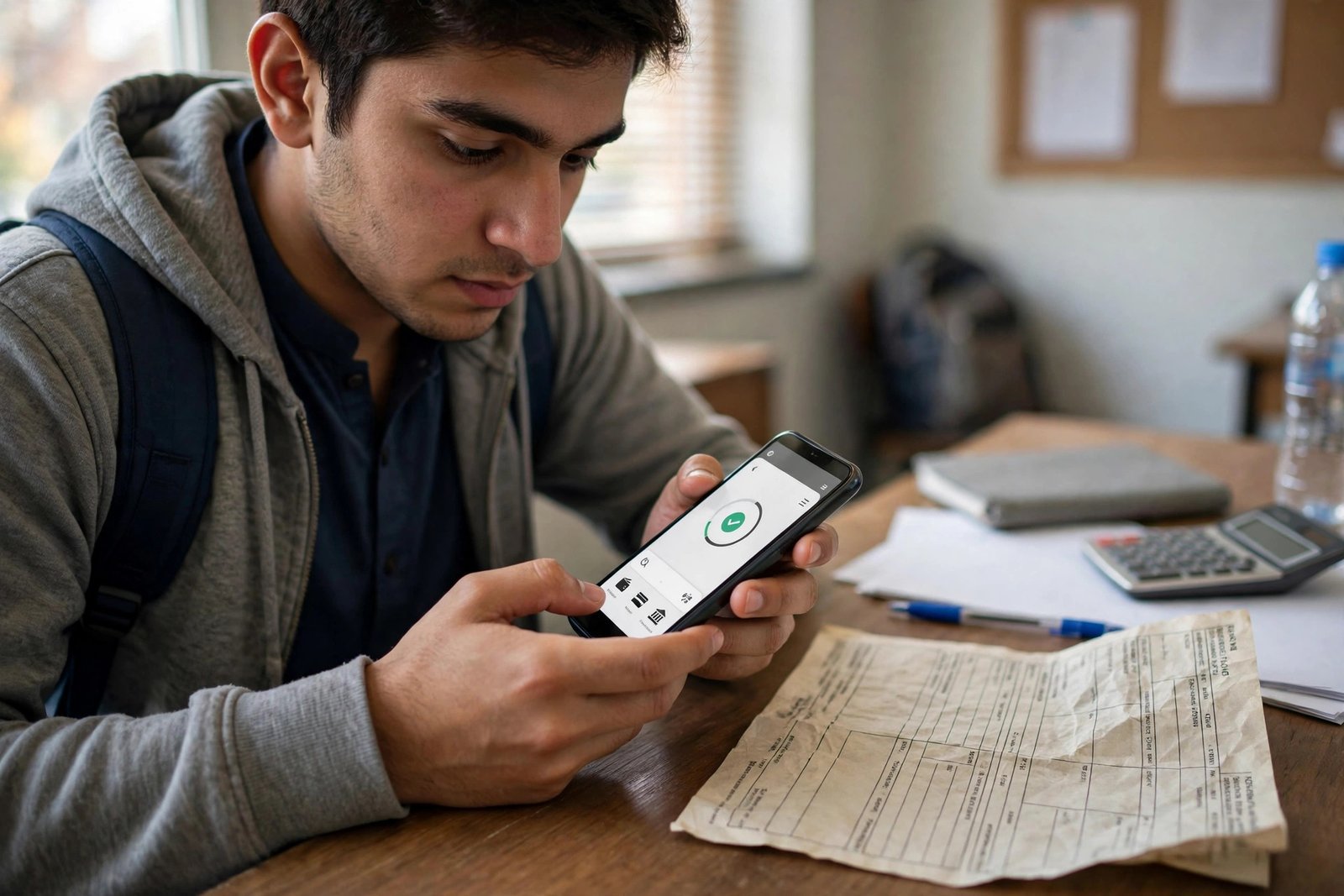
How to Pay AIOU Fee Online: Challan, Easypaisa, JazzCash and Bank
Learning how to pay AIOU fee online saves time and stress. You do not need to guess the method. AIOU gives clear channels for fee payment. You get a challan, you pay through a bank or a mobile wallet, and then you verify that the payment was recorded. This guide explains each step in simple words.
Fees vary by program, so this guide does not quote a fee amount as fact. Your own challan or admission form shows the amount you must pay. Check the name, program, and amount on your challan before you pay. If any detail looks wrong, stop and check the portal again. A wrong payment is hard to fix later.
Use only the prescribed channels in this guide. Ordinary bank transfer such as IBFT or RAAST is not accepted for AIOU fees, as per the official FAQ. Use a bank branch, a wallet app, 1-Link, HBL internet banking, or the card portal named below. After you pay, keep your receipt until your admission or fee status is confirmed.
Quick Facts
| Point | Detail |
|---|---|
| Challan source | AIOU online challan portal at online.aiou.edu.pk/challan, or OAS for fresh admission |
| Challan key | Challan number, also called 1-Bill Consumer ID |
| Bank branches | ABL, MCB, FWBL and NBP, with printed challan |
| Wallet and bill options | Upaisa, Easypaisa, JazzCash and 1-Link; HBL internet banking also offers AIOU bill payment |
| Card payment | olpay.aiou.edu.pk, used especially by overseas students |
| Not accepted | Ordinary bank transfer such as IBFT or RAAST |
| Verify payment | Fresh students in OAS; continuing students in CMS, Course Registration, then View Submitted Request |
Step 1: Get Your Challan Right
Your challan is the base of the whole process. Generate it from the AIOU online challan portal, or through OAS if you are a fresh admission student. The challan carries a challan number, also called a 1-Bill Consumer ID. That number links your payment to your record. Keep it safe for wallet and bank payments and later checks.
Read the challan with care. Check your name, your program, and the amount. Check the challan number digit by digit. A small typing error can send your check to the wrong place or block the payment. If you are a fresh student, your admission status and fee details link to this step. You can read more about that check in this admission confirmation guide. It explains how fee verification fits into admission confirmation.
Print the challan if you plan to pay at a bank branch. A clear print helps the bank staff enter the details right. If you plan to pay online, you may not need a print, but keep the challan number and amount written down. Do not share your challan details in public groups. Keep them for your own payment only.
How to Pay AIOU Fee at a Bank Branch
Bank payment is simple and trusted by many students. Take your printed challan to a branch of ABL, MCB, FWBL, or NBP. Pay the amount shown and ask staff to stamp your copy. That stamped copy is your proof of payment. Keep it safe until your fee status is confirmed.
Check the stamped copy before you leave the bank. The stamp, date, and amount should be clear. If the stamp is faint, ask staff to fix it at once. Take a photo as a backup and keep the original safe at home.
Bank payment can take time to show in the portal. Confirmation can take a few weeks, so check the portal again after some days. Do not panic if the status does not change on the same day. Keep your receipt and check again. If the status is still not updated after a fair wait, contact AIOU with your challan number and receipt details ready.
How to Pay AIOU Fee Online With Easypaisa, JazzCash, Upaisa and 1-Link
Wallet payment is fast if you follow the steps in order. Open your app, such as Easypaisa, JazzCash, or Upaisa. Go to Bill Payments, then Education, then AIOU. Enter your challan number. The app should show your name, program, and amount. Check each detail with care. If the name or amount does not match your challan, stop. Do not confirm a payment with wrong details.
If the details match, confirm the payment. Save the receipt, SMS, or transaction ID at once. Take a screenshot and keep it in a safe folder. That receipt is your proof if the portal is slow to update. The same path works through 1-Link bill payment. Choose Education, choose AIOU, enter the challan number, verify the details, and confirm.
Pay before your deadline. Fee and admission dates matter, and a late payment can cause problems. You can check how deadlines fit into the term in this deadline schedule guide. It is about assignment dates, but it shows why you should plan around official dates and not leave key steps to the last day. For fee dates, trust your own challan and the AIOU portal.
Card Payment and HBL Internet Banking
Card payment is available at olpay.aiou.edu.pk. It is used especially by overseas students who cannot visit a bank branch in Pakistan. Use the card portal only through the official address. Enter your challan details, check the amount, and follow the steps on screen. Save the transaction receipt and transaction ID when the payment is done.
HBL internet banking also offers AIOU bill payment. Log in to your HBL internet banking as you normally do. Find the bill payment section, choose AIOU, enter your challan number, and verify your name, program, and amount before you confirm. Save the receipt. As with all methods, keep the receipt until the payment shows in the portal.
Never pay through a random link sent on social media or WhatsApp. Never share your bank login, card PIN, or wallet PIN. AIOU will not ask for your PIN by phone or message.
How to Verify Your Payment Was Recorded
After you pay, verify that the payment was recorded. Fresh students should check in OAS. Continuing students should check in CMS, under Course Registration, then View Submitted Request. Look for your submitted request and its status. Keep checking over the next days and weeks, because confirmation can take a few weeks.
Keep your receipt, SMS, or transaction ID until admission or fee status is confirmed. If the status stays unclear, keep the receipt ready and contact AIOU through the proper channel. Give your challan number, your registration details, and the payment date. A clear receipt makes the check fast.
Fee payment also links to later steps, such as degree work. Degree fees and tracking use the same habit of keeping receipts and checking the portal. You can read about that later stage in this degree tracking guide. For now, focus on one step at a time. Pay through a prescribed channel, save proof, and verify in the portal.
Frequently Asked Questions
Can I pay AIOU fee with IBFT or RAAST?
No. Ordinary bank transfer such as IBFT or RAAST is not accepted for AIOU fees, as per the official FAQ. Use a bank branch, a wallet app, 1-Link, HBL internet banking, or the card portal.
What is the challan number?
It is the number on your fee challan, also called a 1-Bill Consumer ID. It links your payment to your record. Enter it with care in wallet and bank apps, and keep it for later checks.
Which banks accept AIOU challan payment?
ABL, MCB, FWBL, and NBP branches accept payment with the printed challan. Keep the bank stamped copy as proof until your status is confirmed.
How long does confirmation take?
Confirmation can take a few weeks. Check OAS or CMS again after some days. Keep your receipt until the status is confirmed.
What if my name or amount looks wrong in the app?
Stop and do not confirm. Check your challan again. If the details still do not match, check the portal or contact AIOU. Never pay with wrong details.
Closing Note
Paying AIOU fee is simple when you follow the right order. Get your challan, check every detail, pay through a prescribed channel, save your receipt, and verify in OAS or CMS. Do not use IBFT or RAAST. Do not share your PIN. And check your own challan for the exact amount for your program. A careful payment today saves weeks of worry later.